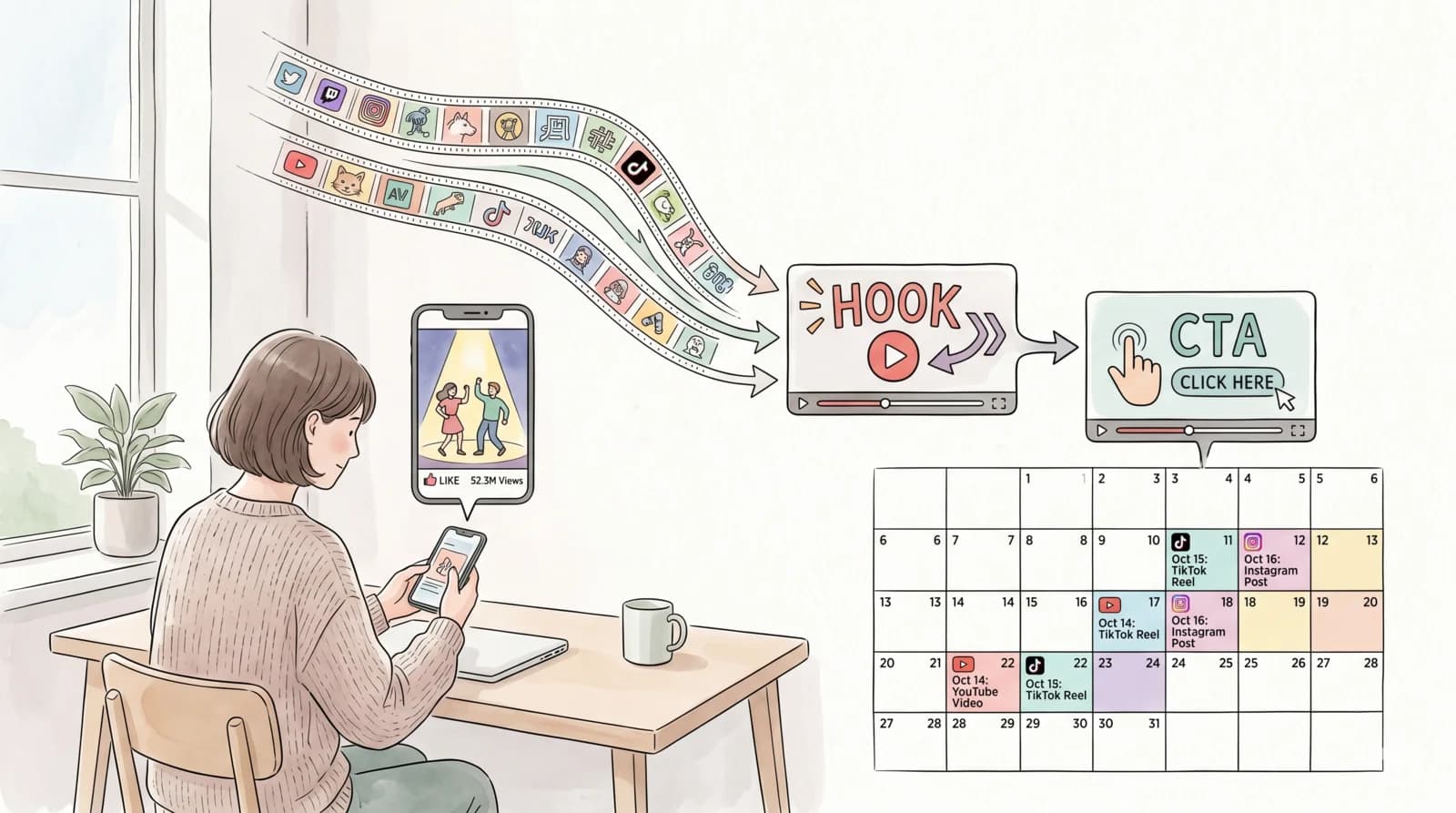

I'm not a professional creator. I don't have a production setup or an editing team. I spent about 30 minutes setting up a system — and two weeks later, the channels I manage had crossed 10 million organic views on YouTube.
Here's the exact method. No fluff.
Key Takeaways
- Steal proven hooks from viral channels (100k+ subs) instead of writing your own
- Clip just the first 3 seconds of their video — that's the hook
- Stitch your own CTA onto the end, then bulk-schedule across platforms
- Ramp posting volume week by week: 1/day → 2/day → 3/day
- Clip3s handles scheduling 1,000s of videos at once with pre-configured time slots
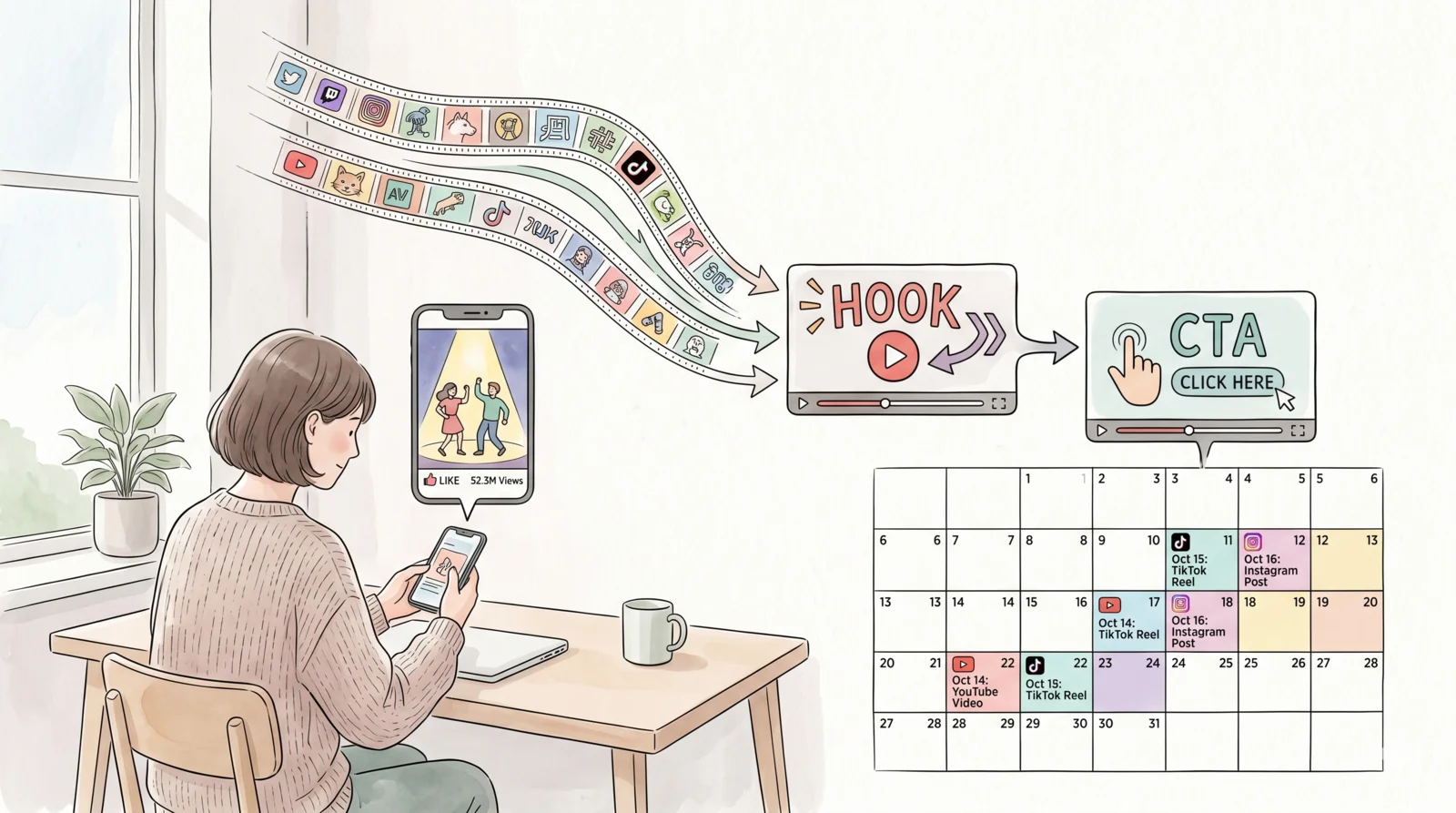
The Problem With Writing Your Own Hooks
Most creators spend hours scripting intros that flop. Here's why: the hook is the hardest part of any short-form video, and it's the only part that determines whether someone keeps watching or scrolls past.
What if you didn't have to write hooks at all?
The insight that changed everything for me: the best hooks already exist. Viral channels with 100k+ subscribers and tens of millions of views have already A/B-tested their openers against a real audience. The first 3 seconds of their most-viewed Shorts are the distilled result of that testing. Why reinvent from scratch?
The Exact System (Step by Step)
Step 1: Find 20 Viral Channels in Your Niche
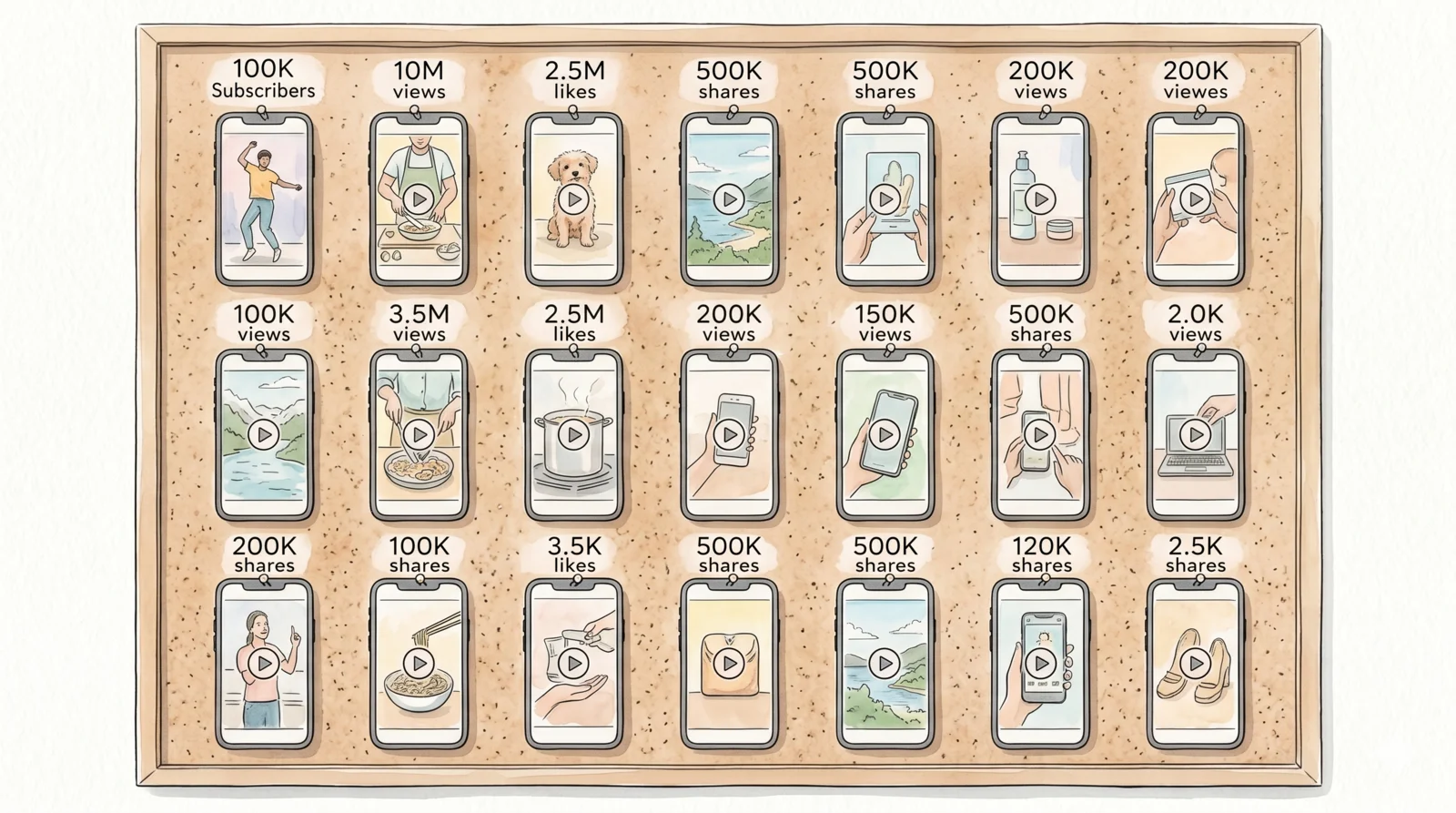
Go to YouTube or TikTok and search your niche — fitness, prayer, focus, finance, whatever you're promoting. Filter for channels with:
- 100k+ subscribers
- 10M+ total views
- Consistent short-form content (Shorts or Reels)
Build a list of 20 channels. These are your hook libraries. You're not copying their content — you're borrowing their proven opening structure.
Real example: channels like @prayerlock and @GotaTips use short, emotionally immediate hooks that stop the scroll instantly. That pattern is what you're after.
Step 2: Clip Their First 3 Seconds
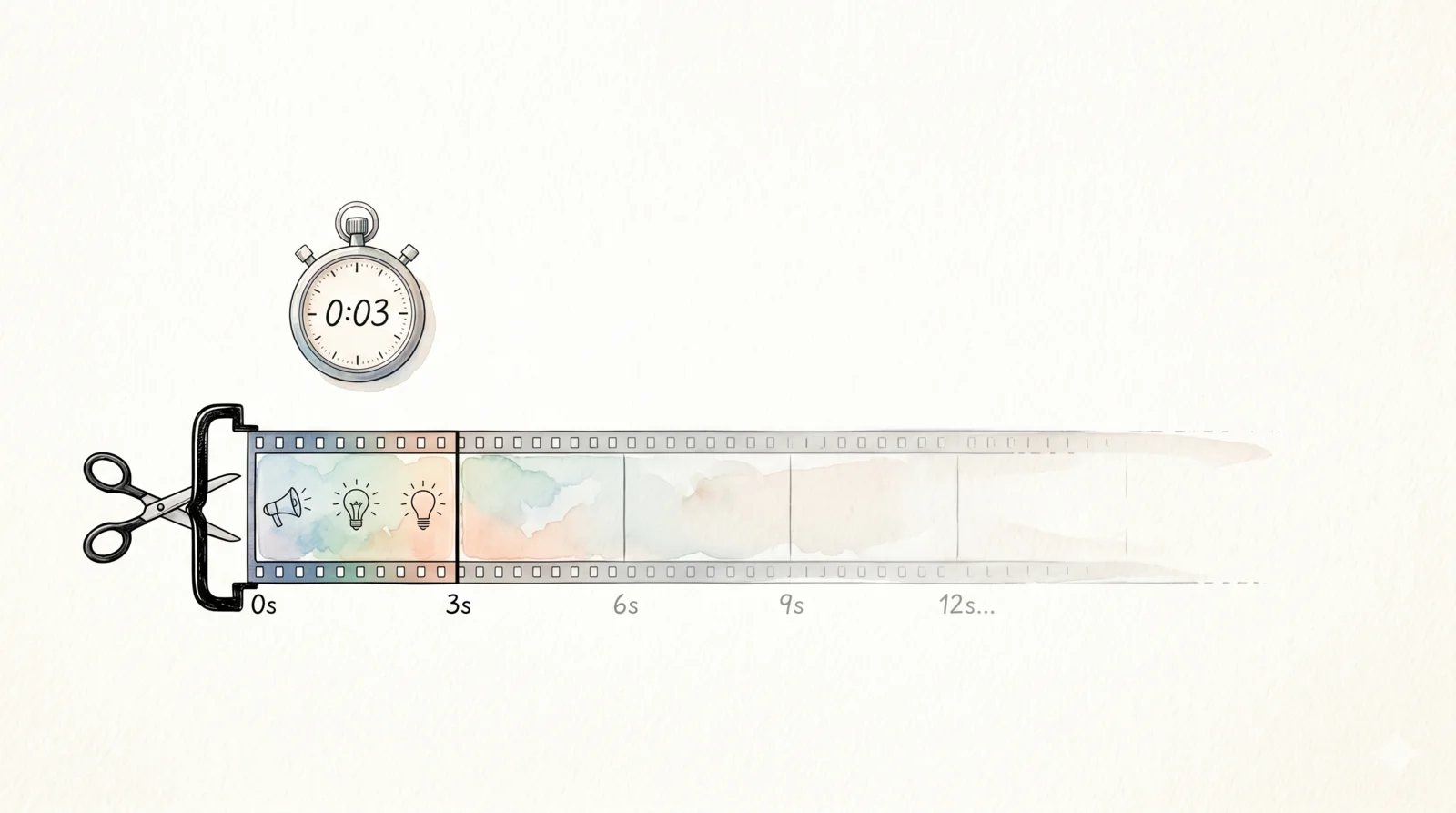
Download or screen-record the opening 3 seconds of their top-performing Shorts. That clip is the hook.
You don't need their full video. You don't need their audio. You just need that opening frame — the visual hook that makes someone pause.
Three seconds sounds trivial. But on YouTube Shorts and TikTok, the algorithm measures watch-through rate in the first 3 seconds before deciding whether to push your video further. A proven hook from a viral channel can lift your early retention dramatically compared to an untested one you scripted yourself.
Step 3: Stitch Your CTA Video
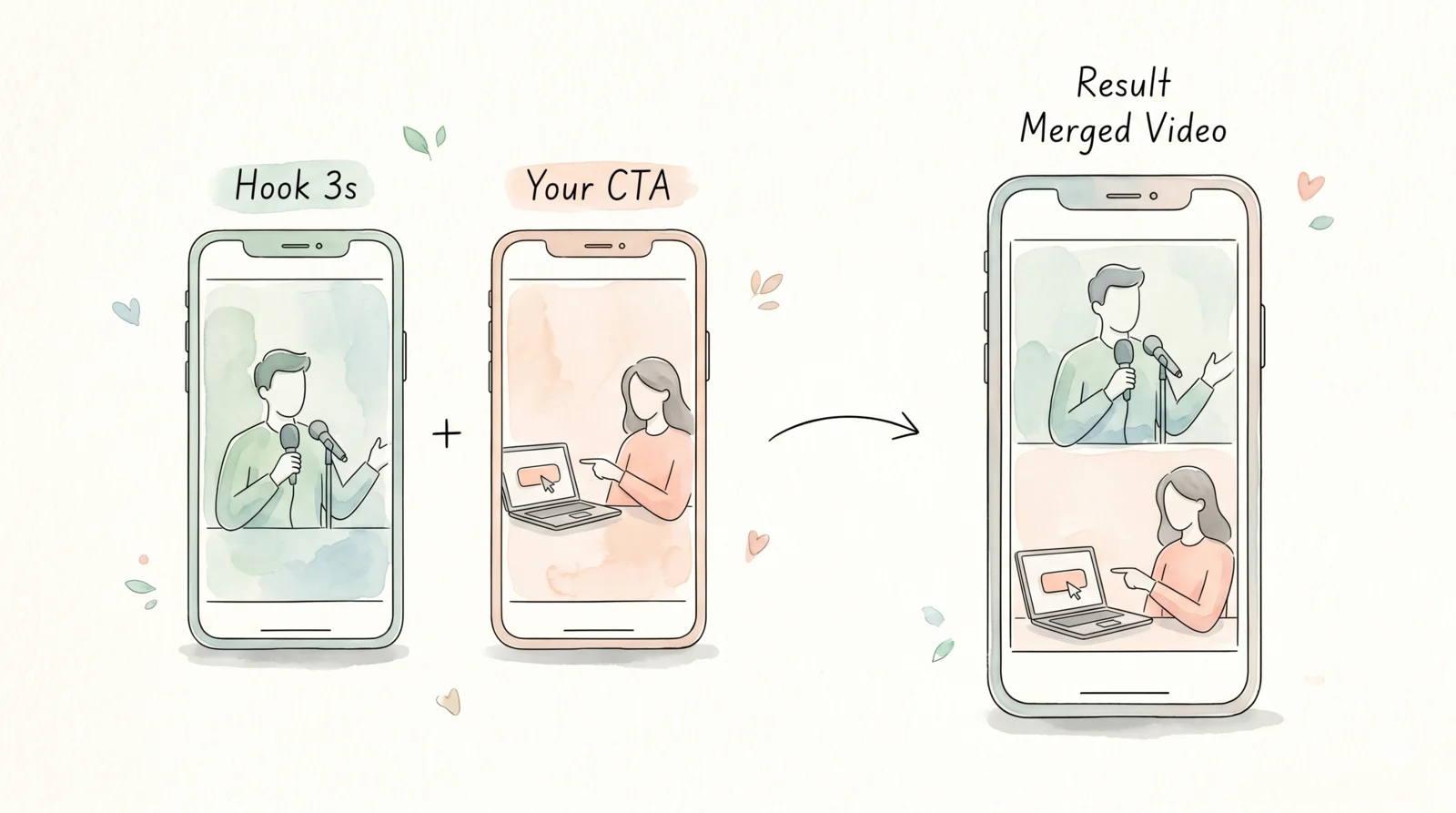
Record a single CTA clip once — 5 to 15 seconds explaining what your app or product does and what to do next ("download the link in bio", "tap to try free"). Keep it simple.
Now stitch: [viral hook clip] + [your CTA clip] = one complete video.
You've borrowed the scroll-stopper. You own the conversion.
Step 4: Bulk-Schedule With Clip3s
This is where the 30-minute setup pays off indefinitely.
Clip3s lets you upload thousands of videos at once and schedule them across YouTube, TikTok, and Instagram with pre-configured time slots. You set your ramp schedule once:
| Week | Videos Per Day |
|---|---|
| Week 1 | 1/day |
| Week 2 | 2/day |
| Week 3+ | 3/day |
The ramp matters. Starting at 1/day lets the algorithm index your channel before you flood it. By week 3, you're posting at the volume that compounds — the more consistent posts, the more the algorithm surfaces your older videos too.
Time slots are pre-configured in Clip3s for peak engagement windows. You can customise them per account or let the defaults run. Either way, once it's set up, you're done.
Why the Ramp Schedule Works
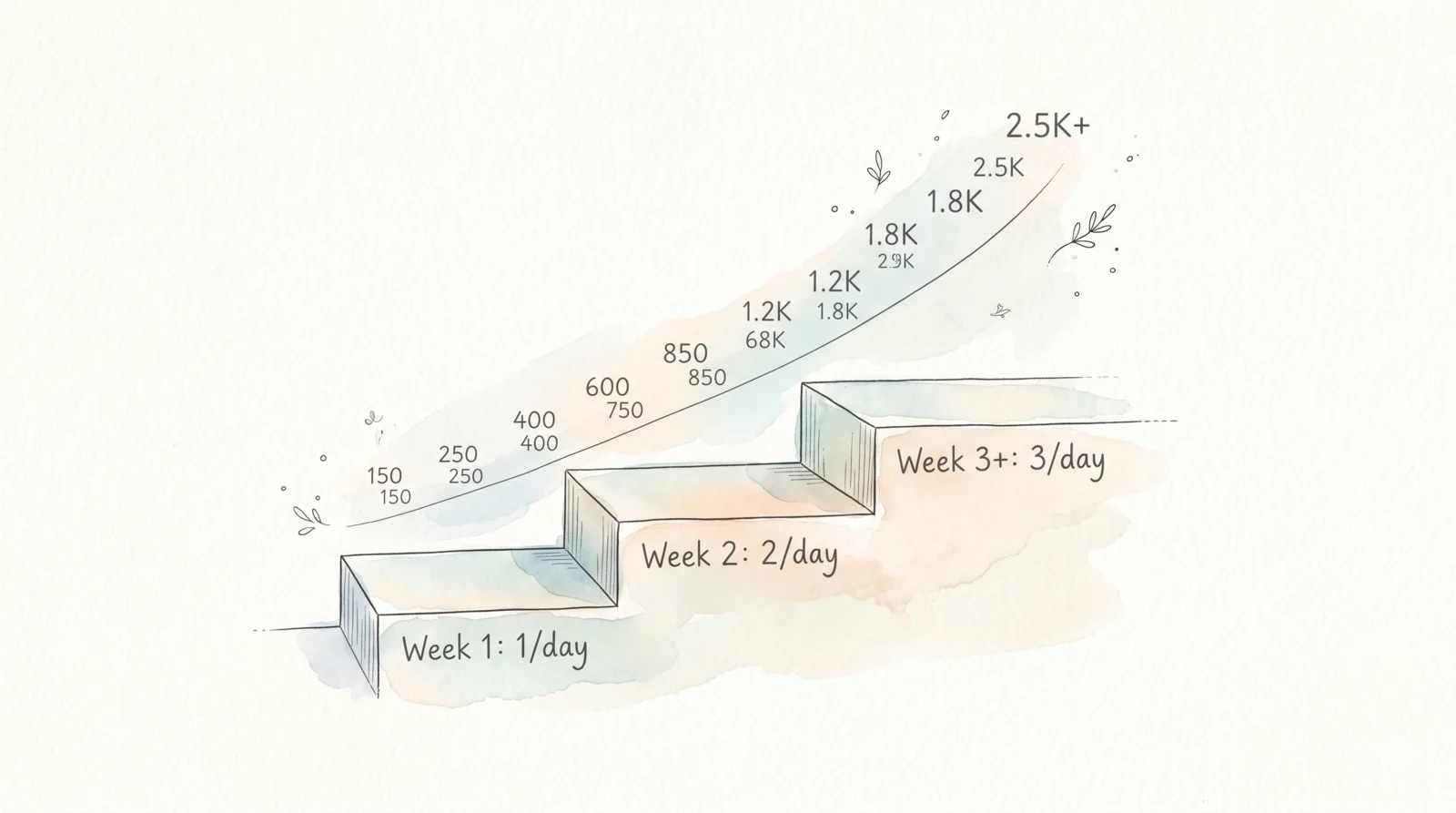
I tried posting 3/day from day one on an earlier test. The algorithm treated the channel as spam and suppressed it. Starting at 1/day, then stepping up weekly, gives each video time to accumulate watch time before the next batch arrives. By week 2, the early videos are already generating impressions — and the new uploads ride that momentum.
The compound effect kicks in around week 3. That's when the 10M number started moving fast.
The Full Workflow in Under 30 Minutes
Here's the actual time breakdown for setup:
- Find 20 viral channels — 10 minutes (YouTube search, filter by views)
- Clip 3-second hooks from top videos — 10 minutes (20 clips × 30 seconds each)
- Record your CTA once — 5 minutes
- Upload + configure schedule in Clip3s — 5 minutes
That's it. After that, the system runs itself. You're not logging in daily. You're not manually posting. Clip3s distributes your queue to YouTube, TikTok, and Instagram on the schedule you set.
Learn how to bulk schedule across platforms →
What Platforms Does This Work On?
The same video queue works across:
- YouTube Shorts — algorithm heavily rewards consistency; daily posting is optimal
- TikTok — hook-first structure matches the platform's native scroll behavior
- Instagram Reels — same vertical format, same hook logic applies
Clip3s (and the open-source equivalent, Statsible Social Sync / Postiz) connect all three from a single upload. You post once, it goes everywhere.
Read our content repurposing strategy →
Frequently Asked Questions
Is clipping 3 seconds of someone else's video legal?
Using a 3-second clip for transformative purposes (adding your own CTA and context) generally falls under fair use, but laws vary by country. The safest approach: use it as a structural reference for your own hook rather than the literal clip. Study what makes their opener work — the pacing, the visual, the opening line — and recreate that pattern with your own footage.
Do I need to post on all three platforms at once?
No. Start with one — whichever your audience is on. Add a second platform in week 2 once your queue is running smoothly. Clip3s handles multi-platform from the same upload, so the overhead is minimal once you're set up.
How many videos do I need in the queue before I start?
Aim for at least 21 videos before launch (3 weeks of 1/day). This means you're never scrambling for content mid-ramp. Record a batch of CTA clips in one session, hook them to your clipped openers, and upload everything to Clip3s before going live.
Can I use this for any niche?
Yes — as long as viral short-form content exists in your niche on YouTube or TikTok, you have hook material to work from. It's been used for prayer apps, focus tools, fitness products, finance content, and language learning.
What makes Clip3s different from just using a scheduler?
Most schedulers require you to manually assign each video to a time slot. Clip3s is built for volume — it accepts bulk uploads and distributes them across your configured time slots automatically. When you're posting 3/day across 3 platforms, that automation is the difference between a 30-minute setup and a daily full-time job.
Conclusion
The system is simple: find what's already working, borrow the hook, attach your offer, and let automation handle distribution. Twenty channels' worth of proven hooks × one CTA × a consistent ramp schedule = compounding organic reach without a production team or a daily posting grind.
The 10M views didn't come from better content. They came from better distribution, at volume, with hooks that were already proven to stop the scroll.
See the step-by-step bulk scheduling guide →
Set up your first queue at clip3s.com — the first batch takes 30 minutes. After that, it runs itself.