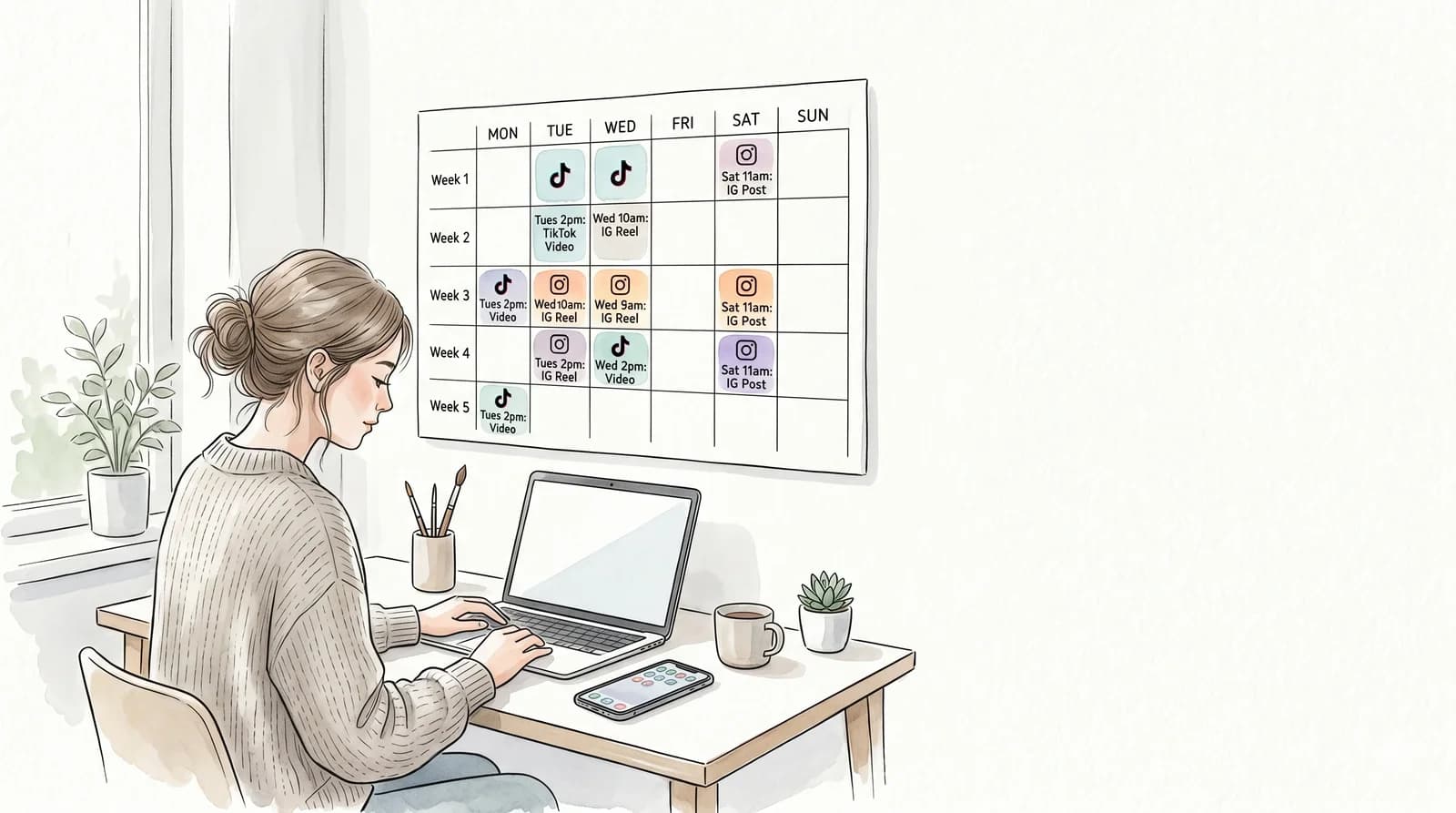

The fastest way to bulk schedule TikTok and Instagram videos is to batch-produce your clips in one session, upload them all at once to a scheduler, and let it distribute across platforms automatically — no daily login required, no manual post-by-post grind. Here's the exact workflow to do it.
Why Posting One Video at a Time Is Killing Your Productivity
Most creators and social media managers open TikTok, upload a video, write the caption, pick a cover frame, add hashtags, hit post — then repeat that sequence 14 times a week. Per platform.
That's not a content strategy. That's a part-time job.
Manual posting compounds its own costs:
- You're anchored to your phone or laptop at specific times
- Missed posts break posting streaks, which tanks algorithmic momentum
- Context-switching between creation and distribution kills deep work
- Scaling from 1 account to 5 becomes practically impossible
The solution isn't more discipline. It's removing the daily task entirely by front-loading all scheduling into a single weekly session.
Manual Posting vs. Bulk Scheduling: Time Comparison
| Task | Manual Posting | Bulk Scheduling |
|---|---|---|
| Upload 14 videos across 2 platforms | ~2.5 hours | ~20 minutes |
| Write captions + hashtags | Per video, scattered | Batch in one sitting |
| Ensure consistent posting times | Requires daily reminders | Set once, runs automatically |
| Scale to 3+ accounts | Extremely difficult | Same workflow, more queues |
| Weekly time commitment | 5–10+ hours | 60–90 minutes |
The math compounds across weeks. A team managing 3 TikTok accounts and 2 Instagram accounts saves 20–40 hours per month by switching to bulk scheduling.
The Bulk Scheduling Workflow (Step by Step)
This is the full process, start to finish. Block out 90 minutes once a week.
-
Audit your content bank. Gather all unposted clips — from your camera roll, editing software, or a tool like Clip3s if you're pulling clips from existing content. Aim for 14–28 clips per account (2–4 posts/day on TikTok).
-
Standardize your files. All clips should be vertical (9:16), under 60MB, and in MP4 format. Rename files descriptively so you can match them to captions later.
-
Write all captions in bulk. Open a Google Doc or Notion page. Write every caption, hashtag set, and cover frame note in one session. This is dramatically faster than writing each caption in-app at upload time.
-
Upload to your scheduler. Drag all clips into your scheduling tool in one batch. Most tools let you assign clips to multiple platform queues simultaneously.
-
Map clips to time slots. Assign each clip to a date and time. Use your analytics to identify your best-performing windows — if you don't have data yet, start with the platform defaults below.
-
Set platform-specific details. On TikTok, add your caption and hashtags. On Instagram, set the cover image and alt text. Some schedulers let you duplicate the post across platforms with one click.
-
Review the queue. Skim through the full schedule for the week. Check for gaps, duplicate posting times, or captions that reference something time-sensitive.
-
Lock it and close the tab. Your content will post itself. Come back next week and repeat.
Total time: 60–90 minutes for a full week of content across multiple accounts.
Best Tools for Bulk Scheduling TikTok and Instagram
For Clip Production + Scheduling in One Workflow
Clip3s handles the full pipeline: scrape clips from TikTok or YouTube channels, stitch CTA frames, and bulk schedule across TikTok and Instagram Reels. If you're repurposing existing content — your own or inspiration from competitors — Clip3s compresses what would be a 3-tool workflow into one. Particularly useful for agencies managing multiple brand accounts.
For Standalone Scheduling
- Later — strong Instagram-first tool with a visual calendar and link-in-bio feature
- Buffer — straightforward queue-based scheduling; good for small teams
- Metricool — solid analytics integration alongside scheduling; supports TikTok natively
- Publer — bulk CSV import for scheduling, useful when you have large content libraries
For Enterprise / Agency Scale
- Sprout Social — approval workflows and team permissions, built for agencies
- Hootsuite — wide platform support, but interface is dated
- Planable — content calendar with client approval flows built in
Most tools offer a free tier. For bulk scheduling TikTok at any meaningful volume (10+ posts/week), you'll hit the limits of free plans quickly — budget for a paid tier early.
Bulk Schedule TikTok: Platform-Specific Notes
TikTok has a few quirks worth knowing before you commit to a scheduling workflow.
TikTok's native scheduler caps at 10 days out and requires manual upload through their desktop interface. It works, but it's not built for bulk operations.
Third-party schedulers use TikTok's Content Posting API, which requires a Business Account. If you're still on a personal account, you'll need to convert it — the process takes about 5 minutes and doesn't affect existing followers or content.
Optimal posting times vary by audience, but as a starting baseline:
| Platform | Daily Volume | Starting Time Slots (Local) |
|---|---|---|
| TikTok | 1–4× per day | 7am, 12pm, 7pm |
| Instagram Reels | 1–2× per day | 9am, 6pm |
After 3–4 weeks of data, adjust based on your own analytics — audience-specific patterns will override any general benchmark.
How to Bulk Schedule TikTok for Multiple Accounts
Managing more than one TikTok account is where bulk scheduling pays off most. The workflow is identical; you're just routing the same clips into multiple queues.
The approach that works:
- Create a master content bank — a shared folder (Google Drive, Dropbox, Notion) where all clips live
- Tag each clip by audience type, topic, or account
- When scheduling, filter by tag and assign clips to the right account's queue
- Batch all accounts in the same weekly session — don't split it across days
For agencies, this is the difference between managing 5 accounts efficiently and hiring a dedicated coordinator. One person running this workflow can handle 8–10 accounts in a focused morning.
What to Do After You Schedule
Scheduling is not the end of the process — it's the beginning of a feedback loop.
After your first week goes live:
- Check watch time percentage on each clip (TikTok Analytics → Content tab)
- Flag any clip above 70% watch time — these are your formats that work
- Pull comments from your top 3 performers — they'll tell you what your audience wants next
Repeat the cycle: build on what worked, cut what didn't, and refill the queue for the next week. Creators who run this loop consistently for 8–12 weeks tend to find 2–3 formats that reliably outperform everything else. That's when you double production on those formats specifically.
Don't let your queue run dry. A posting gap of more than 3–4 days can dampen algorithmic momentum that took weeks to build. Keep at least 2 weeks of content pre-scheduled at all times.
Ready to Stop Posting Manually?
Bulk scheduling TikTok and Instagram isn't a growth hack — it's basic leverage. One 90-minute session replaces 10+ hours of scattered daily posting, and your content goes out on time whether you're in meetings, on vacation, or focused on production.
See Clip3s pricing and start your free trial — no credit card required.